MM logo white 1
MM logo red
Image description is not available

Which monitor should you choose?

Daan3 DECEMBER 2025
A person types on a keyboard at a desk with two monitors displaying an invoice and data.

Which screen is right for you depends on your personal preferences. For example, do you often work with 2 monitors? And what screen size do you find most comfortable? Which connections does your computer have? And do you game a lot, play media or mainly work on your administration?

Gaming monitors

A group of people wearing headphones and blue shirts are sitting at computers in a dimly lit room.

As a gamer, you want to experience your game as well as possible. In particular, response time, refresh rate and frame rate contribute to this. Therefore, choose a gaming monitor with a response time of 1 millisecond (ms) and a refresh rate of at least 144 hertz (Hz); this creates the smoothest possible image without lag. Do you play a lot of graphic games? Then have a look at our ultrawide monitors as well, which allow you to fully immerse yourself in your game. Do you have a PlayStation 5? Then choose the best monitor for your PS5.

The best gaming monitors
Monitors for studying or working from home

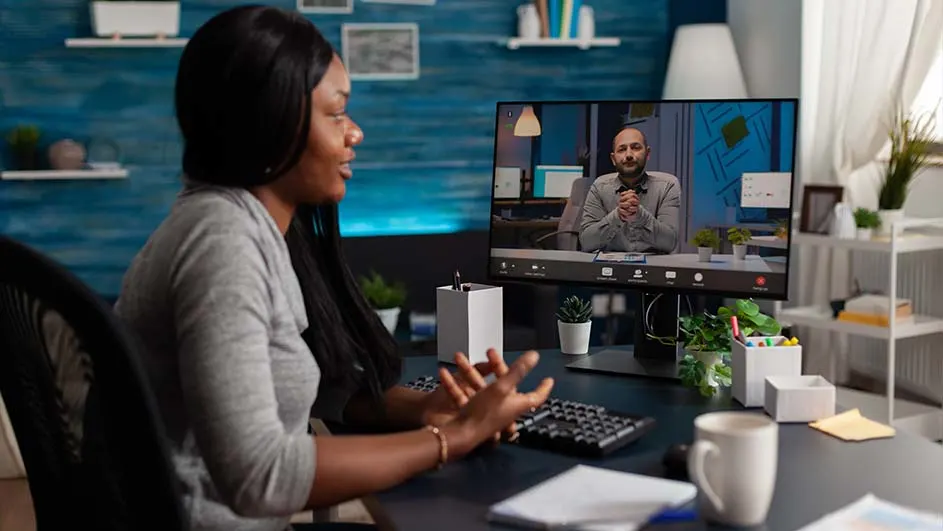
A woman is video-calling a man on a computer in a room with shelves and plants.

If you mainly use your monitor for working from home or studying, it’s important to look at how much space you have on your desk. So do not focus solely on the inch size of your computer screen, but on the width and depth of your monitor. You are likely to spend long periods in front of your computer, and you want to avoid neck or back problems: therefore also look at the ergonomic options. Is the monitor height-adjustable? Or can you connect it to a monitor arm using a VESA mount?

The best monitors for working from home

Monitors for creative design

Two people are at a desk. One points to a computer screen showing photo editing software. Headphones and a green mug are on the desk.

Do you often edit photos and videos? Then it’s important to choose a monitor with a high resolution. Think of an Ultra HD or 4K resolution, for example 3840 x 2160 pixels. A 10-bit colour depth is also important, as this allows you to display over 1.07 billion different colours. On our product pages you can see the percentage of colour coverage in each colour gamut, such as RGB or DCI-P3, for each monitor.

The best monitors for photo and video editing

Monitors for entertainment

A person with glasses sits at a desk using a computer with a black monitor and keyboard. A PC tower with blue lights is visible.

Are you looking for a monitor for your studies, but do you also want to watch films and series on it? Then take a look at our smart monitors. On these monitors you can install your favourite apps, such as Videoland or Netflix, and binge your favourite series directly. There are also so-called ultrawide monitors with a 21:9 aspect ratio that make it feel as if you are in the cinema.

The best ultrawide monitors

Screen size in inches

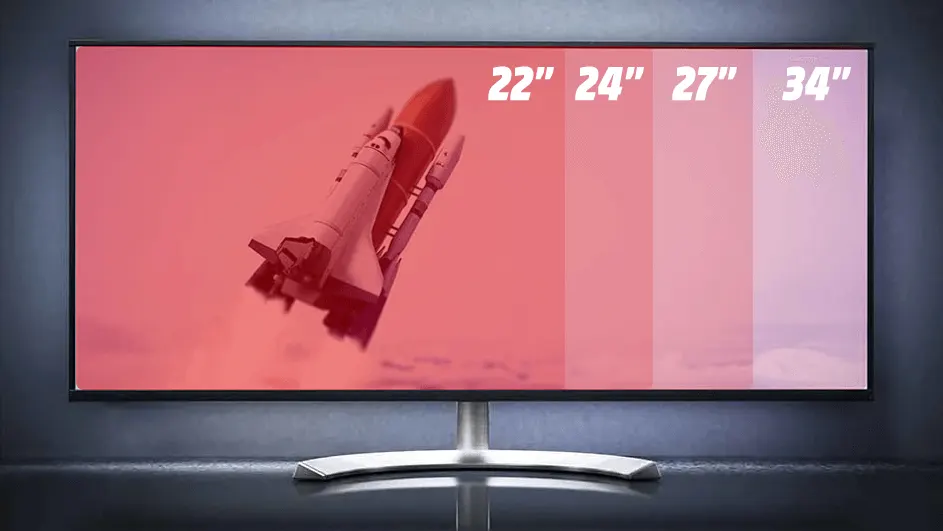
A monitor displays a space shuttle launch on a screen divided into four sections labeled "22","24","27" and "34".

The size of a monitor is shown in inches and measured diagonally from the bottom left corner to the top right corner. 1 inch is 2.54 centimetres. Ask yourself how big your desk is and what your viewing distance is. The most popular monitor size is 27 inches. A 27-inch monitor is approximately 62 centimetres wide and suitable for a viewing distance of 80 centimetres.

The best 27-inch monitors

Aspect ratio

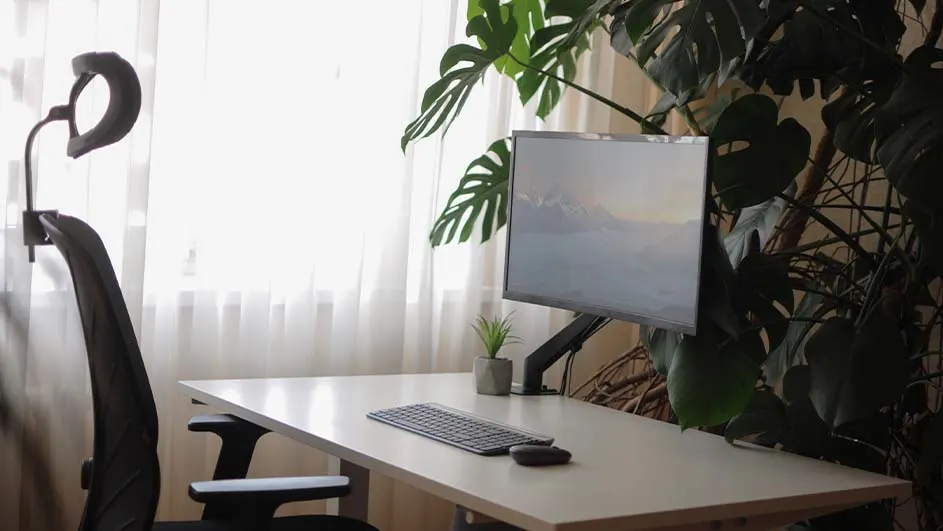
A desk with a computer monitor, keyboard, and mouse is near a window and a large plant, with an office chair nearby.

The aspect ratio shows the number of horizontal pixels in relation to the number of vertical pixels. The standard ratio is 16:9, which you see in most 24-, 27- and 32-inch monitors. The so-called ultrawide monitors with a ratio of 21:9 or even 32:9 are becoming increasingly popular. These give you more space across the width of your monitor, which is ideal if you often have many windows open or want to be completely drawn into your game.

Choose the right screen size

Resolution

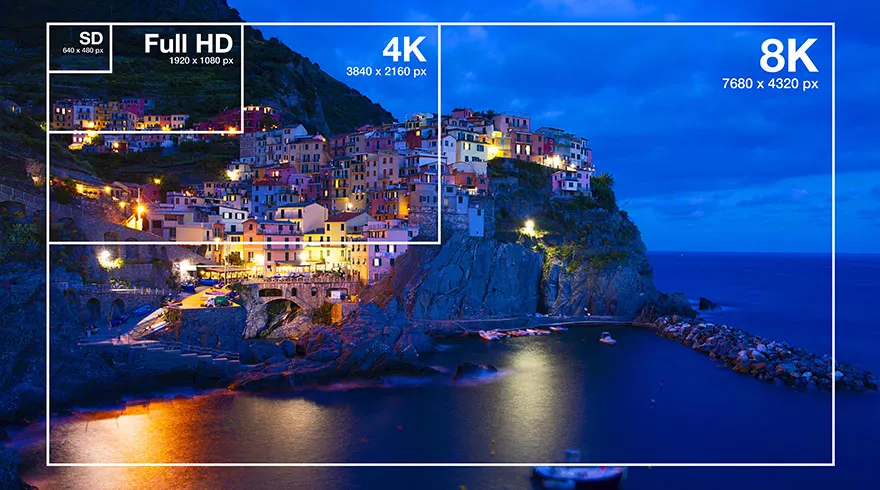
Image shows city buildings on a cliff by the sea, framed in SD, Full HD, 4K, and 8K resolution indicators.

The resolution of a monitor indicates the total number of pixels of a monitor in the number of horizontal pixels x the number of vertical pixels. You may also be familiar with the names Full HD (1920 x 1080 pixels), Quad HD (2560 x 1440 pixels) or Ultra HD (3840 x 2160 pixels), which is also called 4K. With an ultrawide resolution with a 21:9 or 32:9 aspect ratio, the number of horizontal pixels increases but the number of vertical pixels remains the same. The higher the resolution, the smaller the pixels and the sharper the image.

Choose the right screen resolution

Panel type

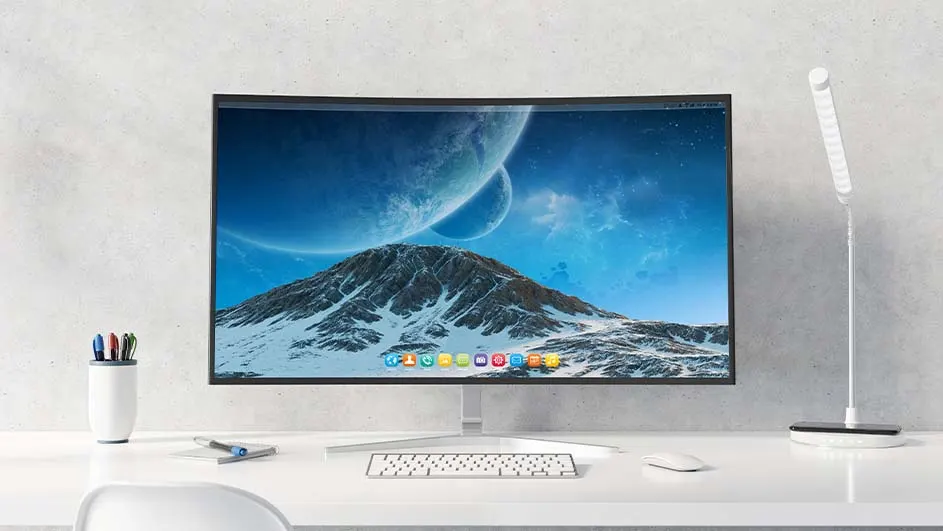
A curved monitor displays a mountain and planets scene on a white desk with a keyboard, mouse, lamp, and pen holder.

There are many different types of panels available. The most common are:

  • IPS: a panel known for its good colour reproduction and viewing angle of up to 178 degrees.
  • VA: similar to an IPS panel and also widely used in curved monitors.
  • OLED: the best panels thanks to perfect colour reproduction; a pixel can be completely switched off so that black is truly black. These panels are extremely fast, with a response time of 0.3 milliseconds, and therefore very suitable for gamers.
  • TN: a panel made for gaming with the highest possible refresh rate, up to 520 hertz.

Choose your panel type

Ergonomics

Person types on keyboard, facing a monitor displaying an order summary with brown shoes and a gold watch, and a "Check Out" button.

Ergonomics are extremely important when choosing your monitor. You always want to prevent back and neck problems. Therefore, go for a monitor that you can adjust in height to your eye level, or one with a VESA mount so that you can attach it to your monitor arm or wall bracket. There are also monitors that you can rotate by 90 degrees so that you have a special reading mode, ideal for coding or reading text.

Other specifications

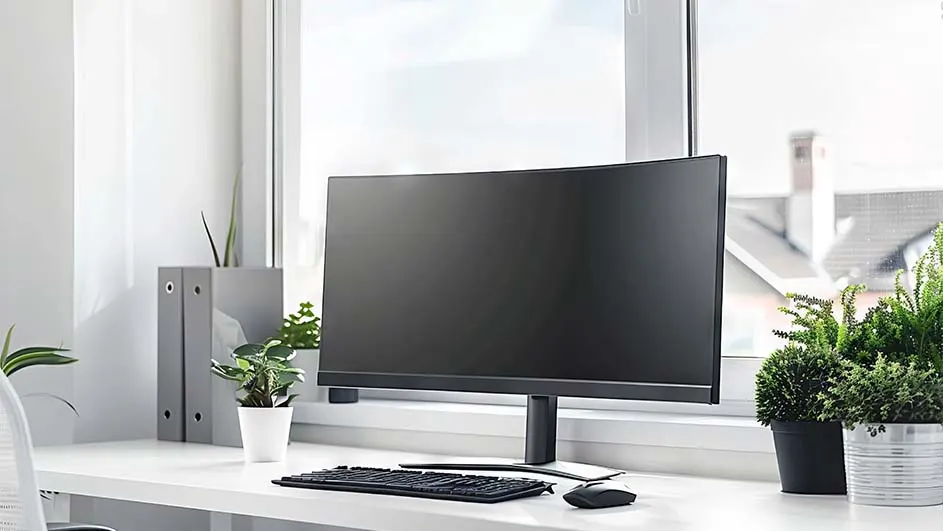
A desk setup features a monitor, keyboard, and mouse, with plants and binders nearby. A window is behind the monitor.

There are a few more factors that may be important when choosing the right monitor:

  • Speakers: if you want to hear the sound directly from your monitor instead of via a headset or from your laptop. This is useful with smart monitors.
  • Curved monitors: a monitor that follows the curvature of your eyes, as with some ultrawide monitors.
  • USB-C monitors: have a connection that both displays the image from your laptop and charges your laptop, so you are not bothered by multiple cables.

The best curved monitors

Accessories

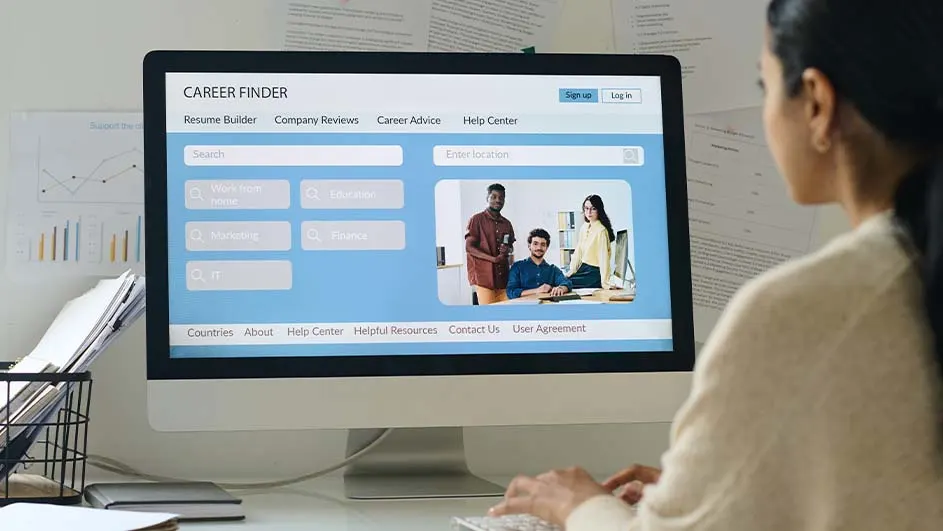
A person uses a computer displaying a "Career Finder" website. The screen shows search fields and images of diverse professionals.

Finally, there are a few accessories you may need:

  • Monitor arms: an arm that you mount on your desk to which you attach your monitor. Thanks to this monitor arm, you have complete freedom to place your monitor at the height and position you want.
  • Monitor lighting: a light bar that you mount on top of your monitor for better visibility in the evening or when there is a lack of daylight.
  • Cables: all monitors come with an HDMI cable or a DisplayPort cable (this is always stated on the product page). However, if you want a specific cable of a certain length, do not forget to purchase it.

Everything you need to work from home

These articles might be interesting for you